OL Code
Modern web-based IDE for legacy code development. Edit, search, compile, and manage COBOL, RPG, and other legacy languages with enterprise-grade tools.
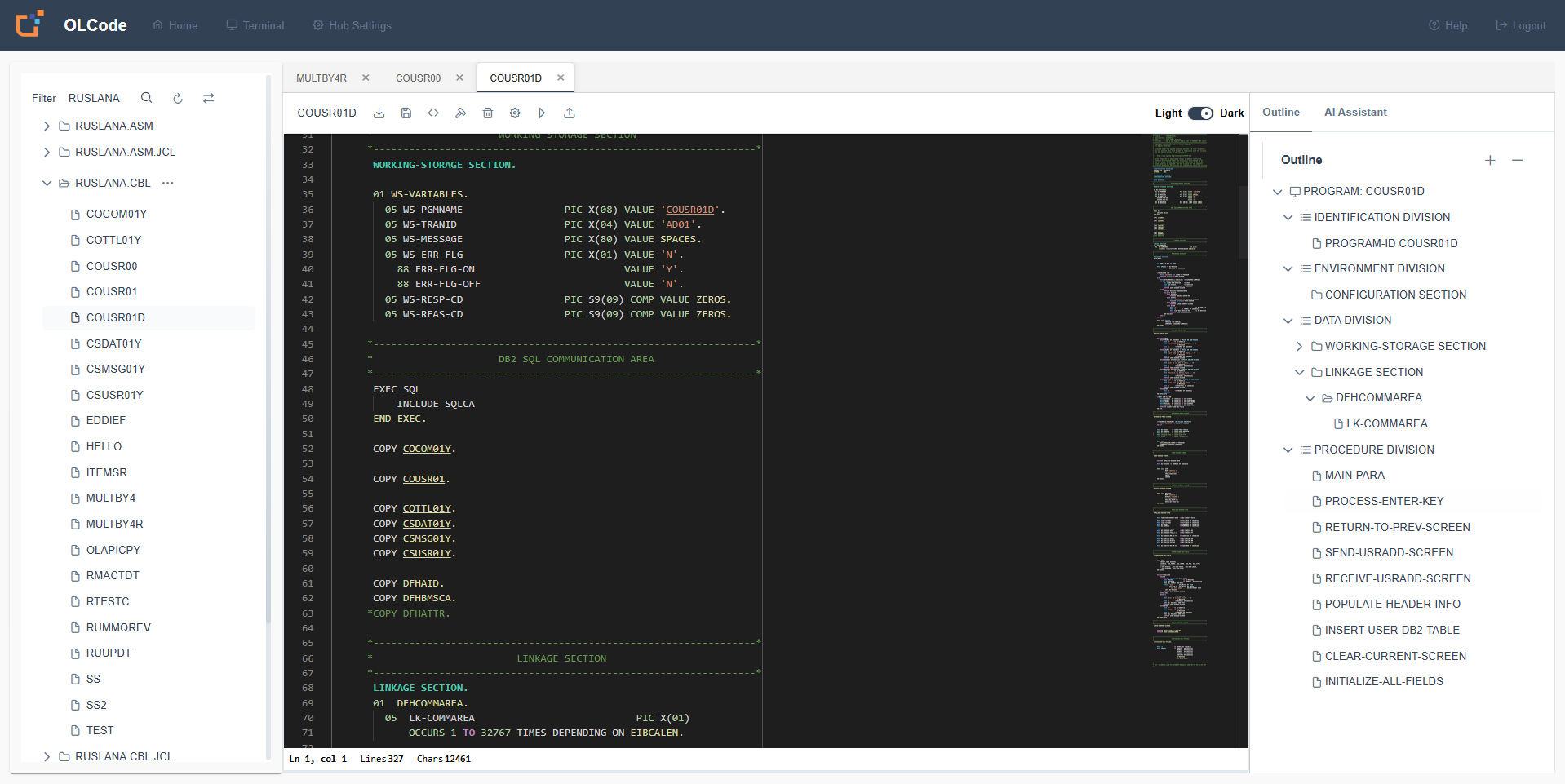
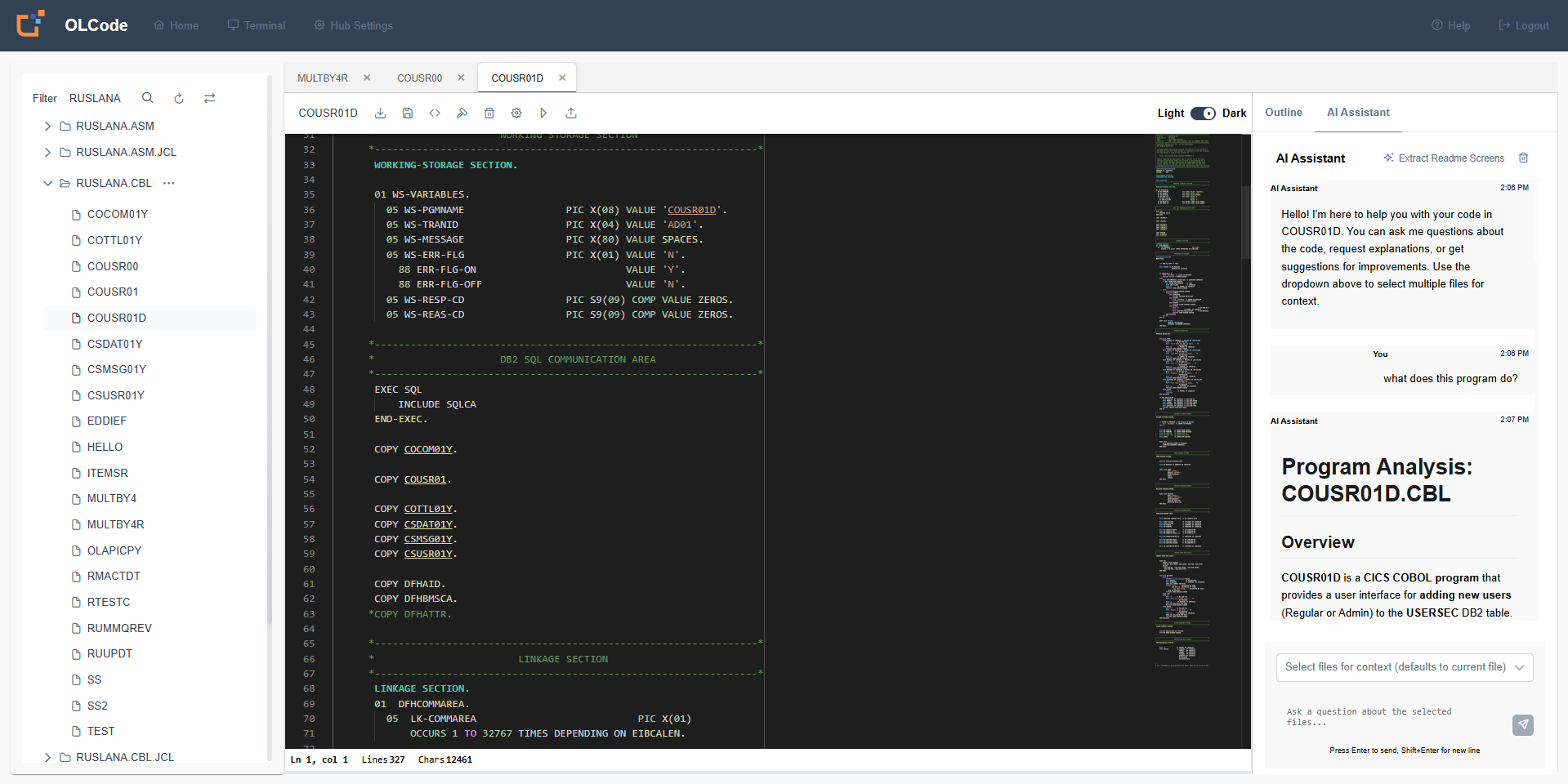
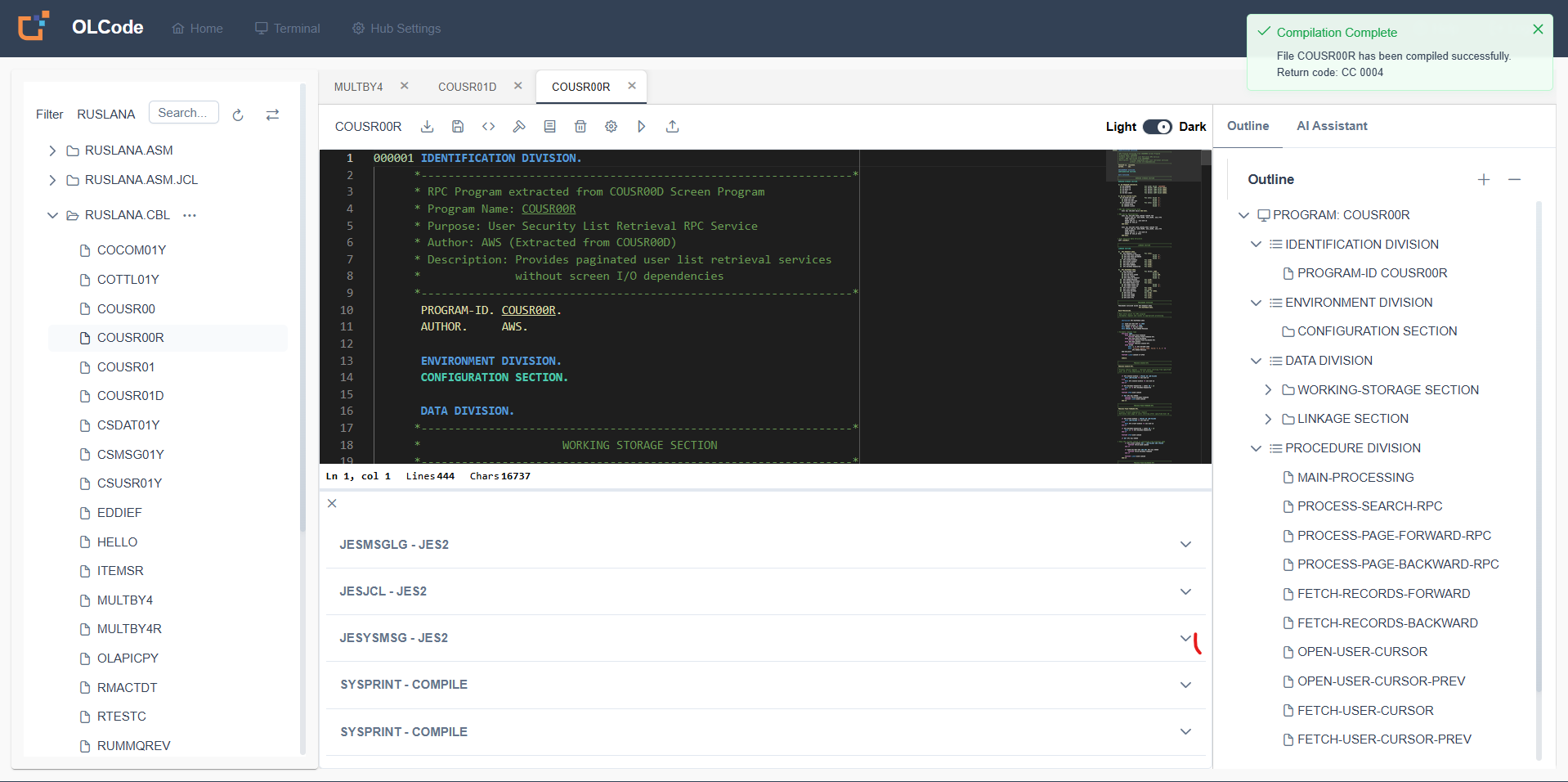
Modern IDE for Legacy Languages
Professional development environment with all the tools you need
Prerequisites
Ensure you have the necessary requirements before getting started with OL Code
Installation Options
Choose one of the following installation methods:
☕ Java Installation
Java 17 or higher, installed and configured as JAVA_HOME. Supported on any operating system (server or desktop) that runs Java 17.
🐳 Docker Installation
Docker installed and running.
🖥️ Mainframe Installation
Deploy directly on z/OS mainframe environments.
🖥️ AS/400 / IBM i Installation
Deploy directly on AS/400 / IBM i environments.
Network & System Access
License
Valid OpenLegacy Community application license (available under your user profile)
TCP/IP Connectivity
Connectivity to your Mainframe or AS/400
System Details
IP/hostname and port of your legacy system
System Requirements
AS/400: Ensure the server is running with administrator privileges.
STRTCPSVR SERVER(*ALL)
Mainframe: Ensure the RSE API is running.
Reference: IBM Explorer for z/OS
Credentials
User ID and password with development permissions to connect to your legacy system.
Browser
Latest version of Chrome, Edge, Safari, or Firefox.
Supercharge with OpenLegacy Hub
Connect OL Code to OpenLegacy Hub for advanced testing, code analysis, dependency mapping, and automatic API generation from your legacy code.